
Get Ready — Summer Season Starts in:
Stay connected while they explore, learn, and have fun.
While your child enjoys camp life, the My Tamwood App
brings every moment to you — from daily updates to
special highlights.
Their Camp magic —shared with you.
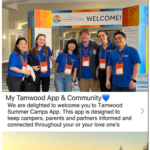
Stay connected to your child’s camp adventure! While they’re exploring, making friends, and having fun, the app keeps you in the loop with camp updates, news, and announcements about their activities. You can view their schedule, including excursions and device-free days, automatically adjusted to your time zone, browse and download photos from camp albums, and even contact the Camp Director directly for any urgent inquiries or emergencies.
Key App Features
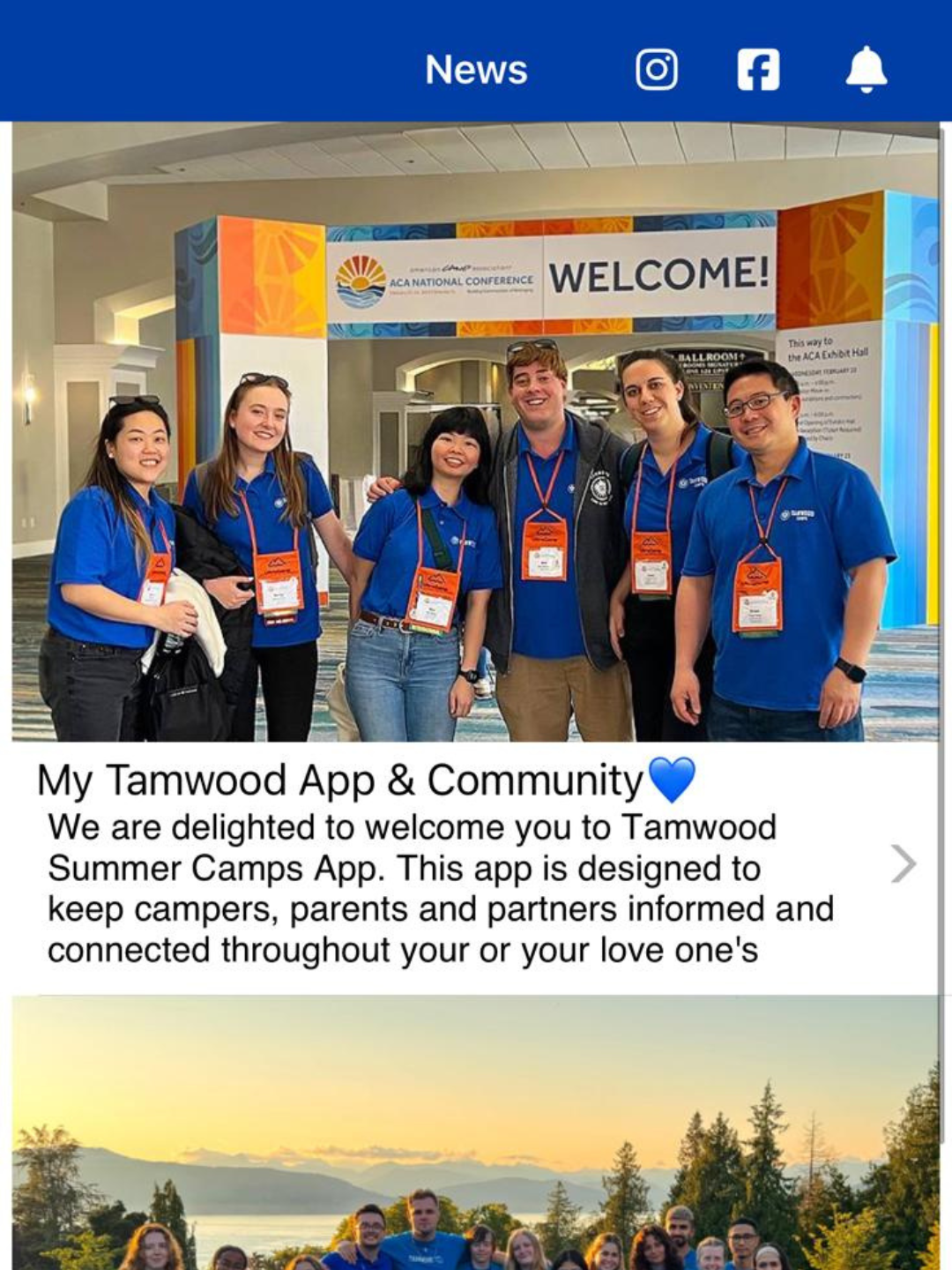
News
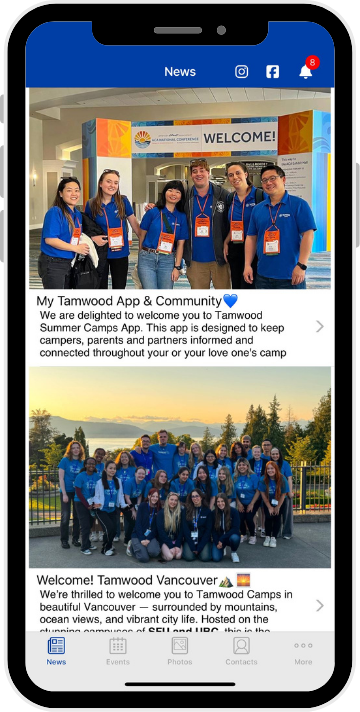
Camp Stories & Annoucement
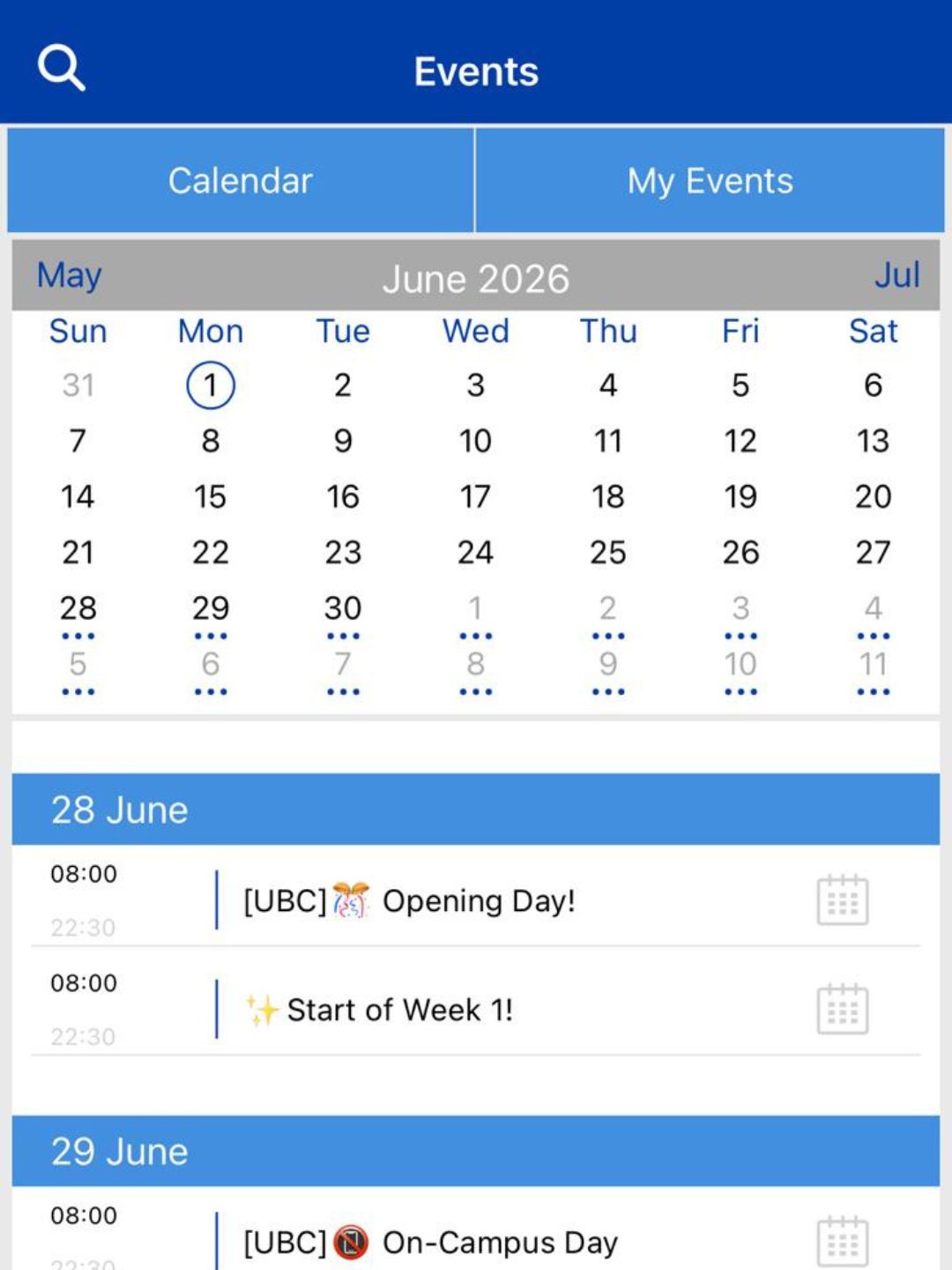
Events
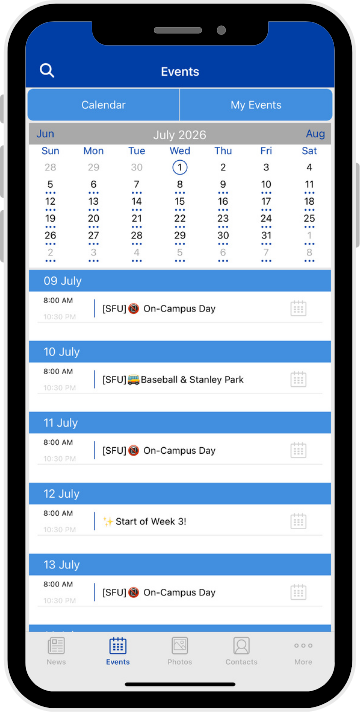
Schedules in Your Time Zone
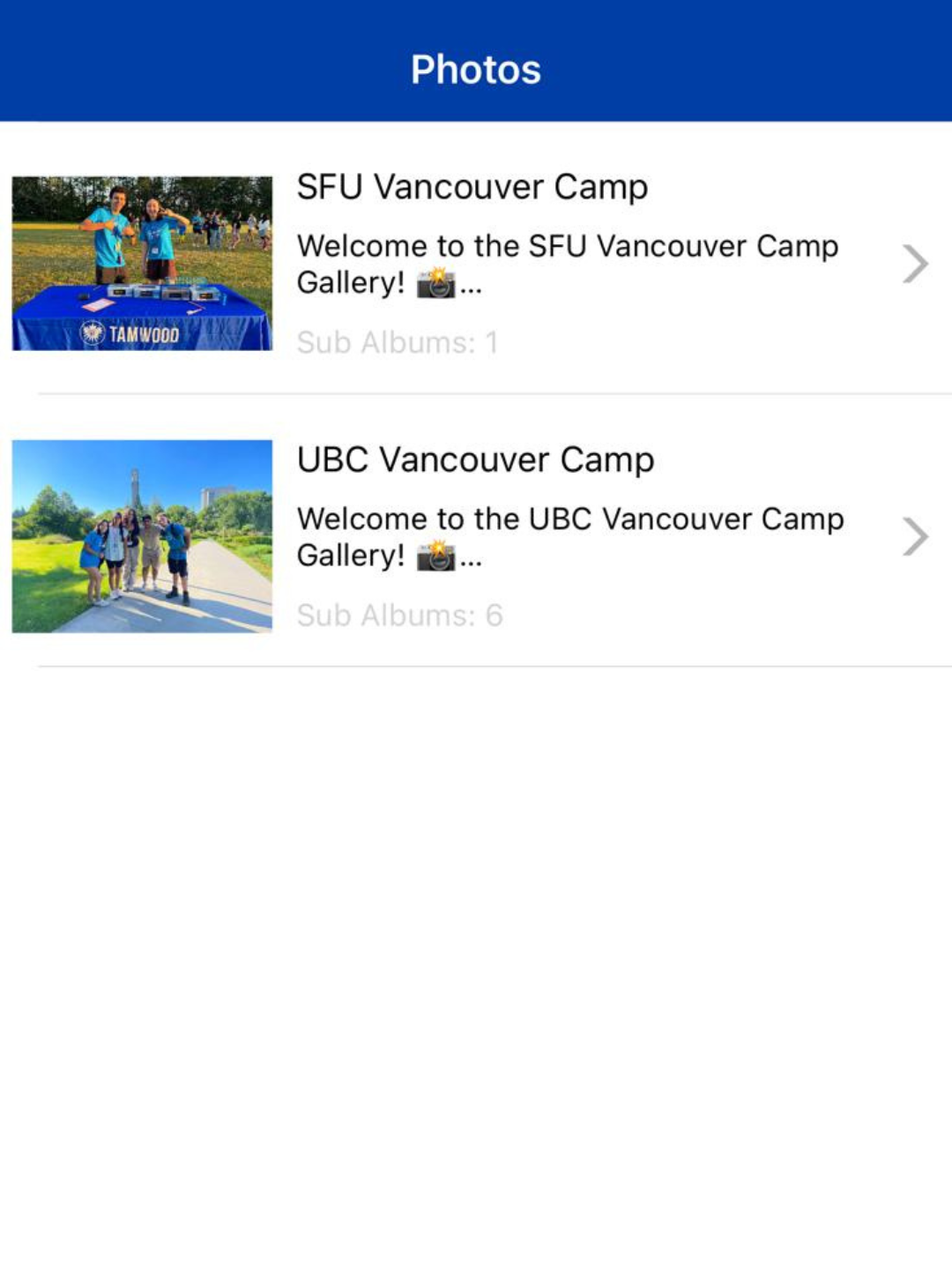
Photos
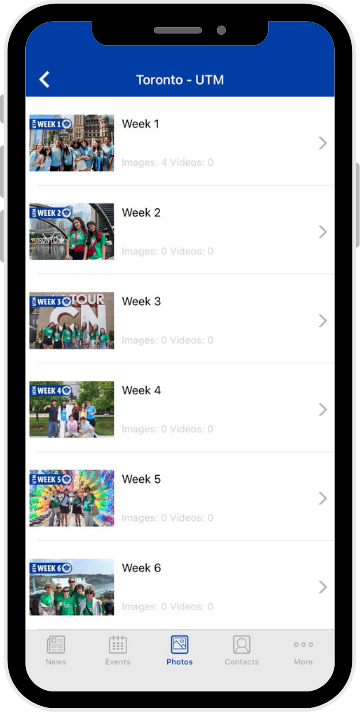
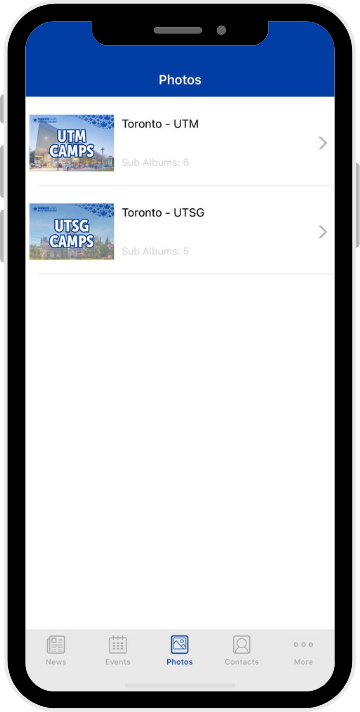
Camp Photo Albums
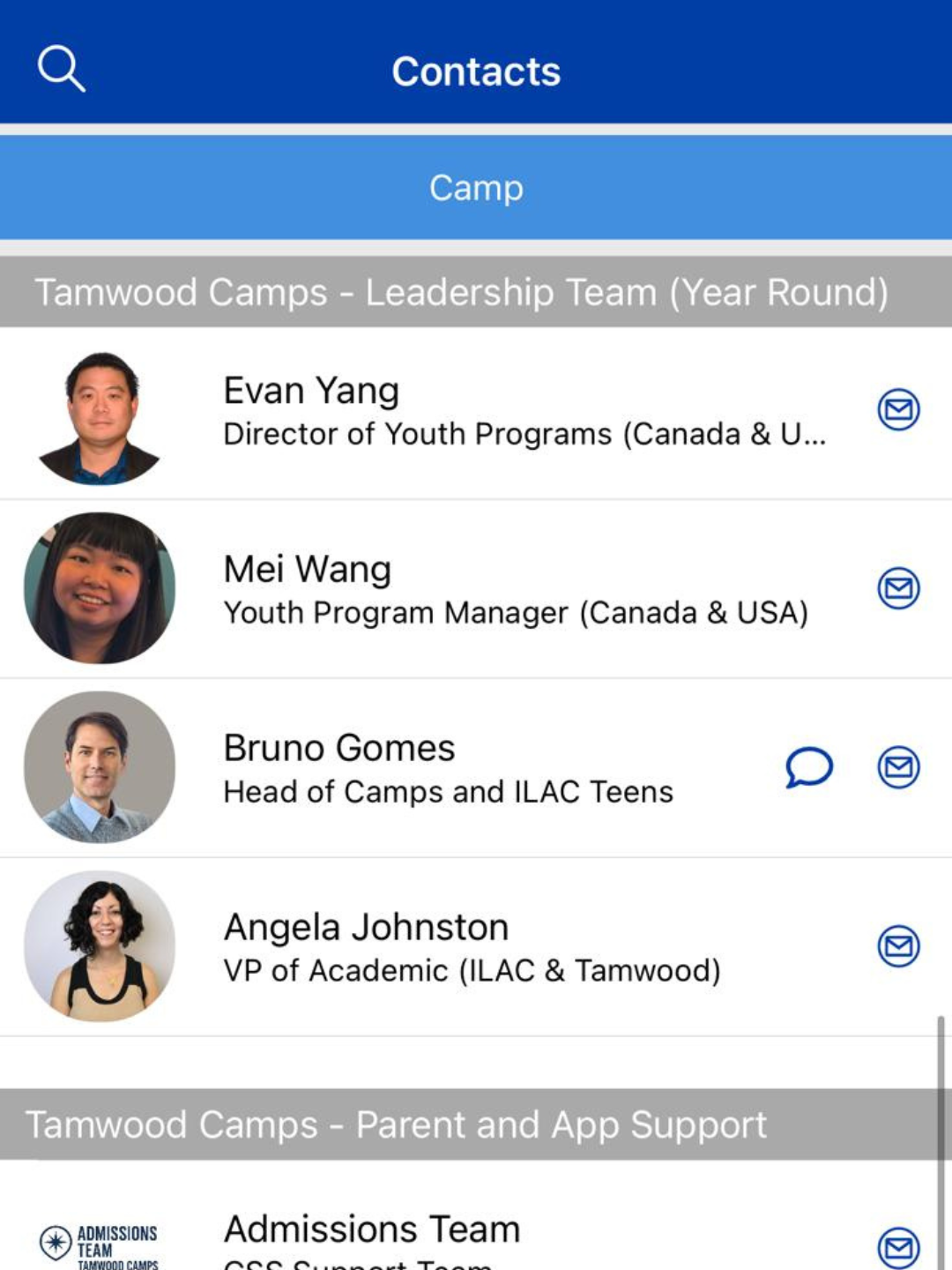
Contact
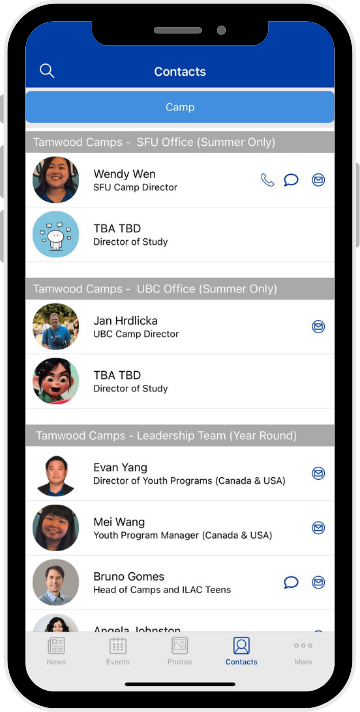
Message the Camp Director


Photos
WINCY SECTION


Stay in the Loop: Get the latest camp news and updates
Stay in the loop with camp stories and announcements. From campfire highlights to special achievements, you'll get a front row seat to the updates that matter most.

Camp Calendar
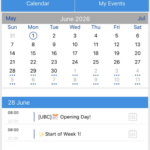
Events automatically adjusted your local time. Never miss a milestone, no matter where you are. Our calendar automatically converts camp events, like excursion days or device-free day — into your local time zone. If they are on a Tuesday trip in Vancouver, you’ll see it on your Wednesday morning in Asia!

Photo Albums: Download and share your favorite moments.
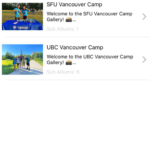
Browse through high-quality albums and relive the magic. Best of all? You can download and share your favorite memories anytime, with no additional fees.

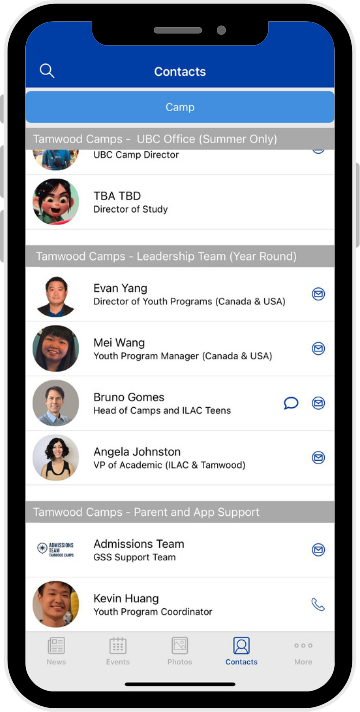
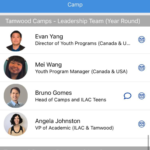
Direct Contact: Reach out to the Camp Director anytime
Need to reach the camp director for an urgent inquiry or emergency? Find all the contact information you need right in the app - fast and easy.
More to Explore
Get Ready for Your Unforgettable Summer Adventures

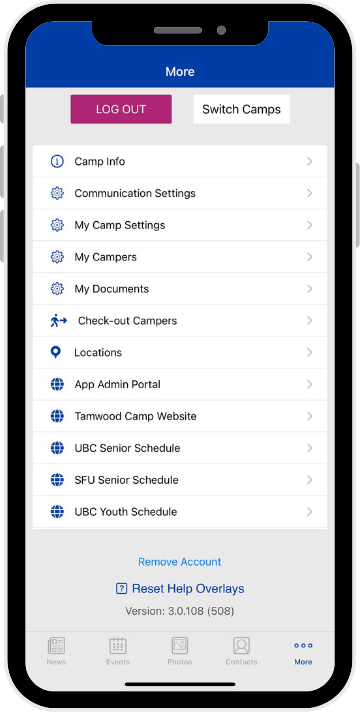
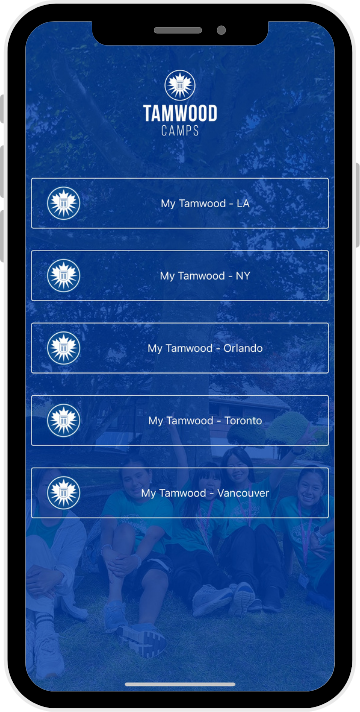
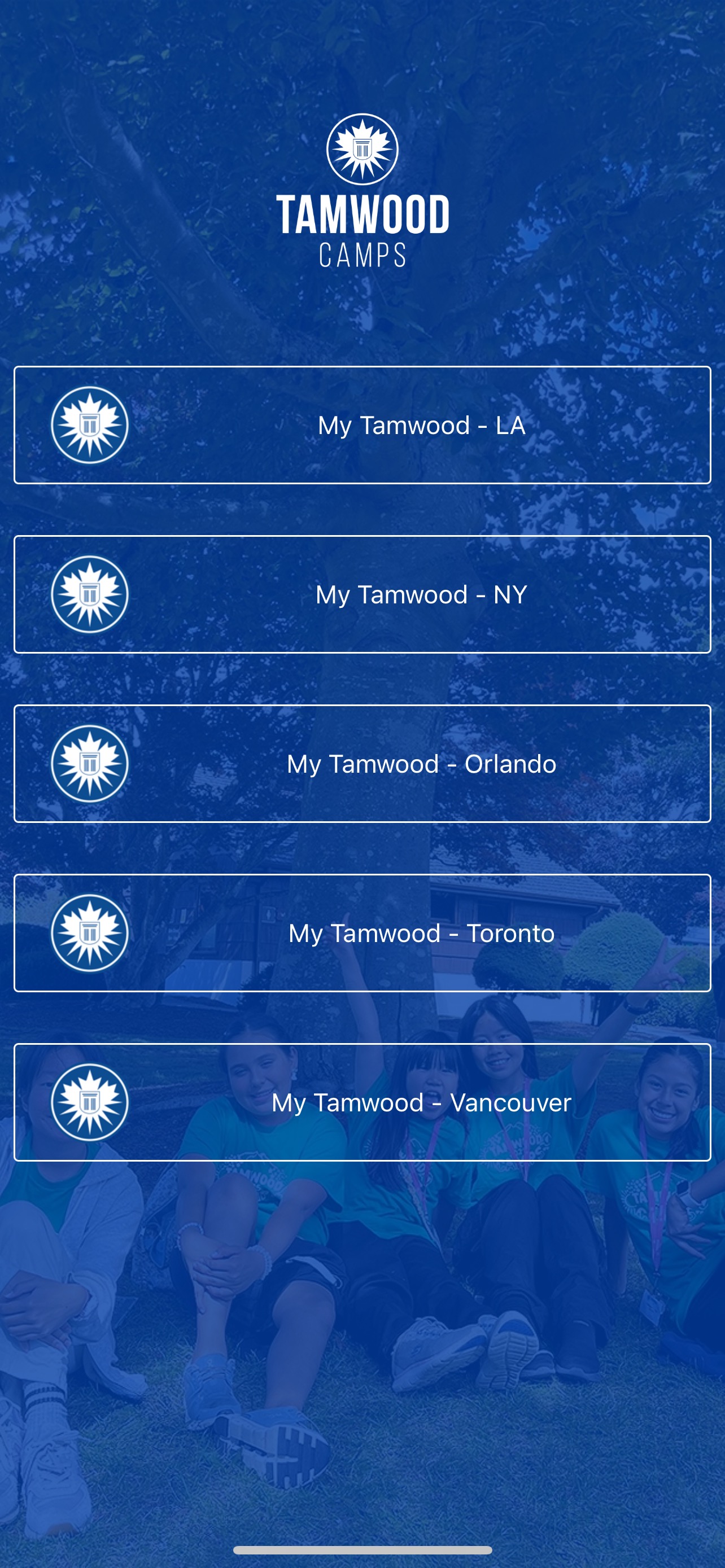
Switch Camps
Easily toggle between camp locations like Vancouver, Toronto, Orlando, Los Angeles, New York
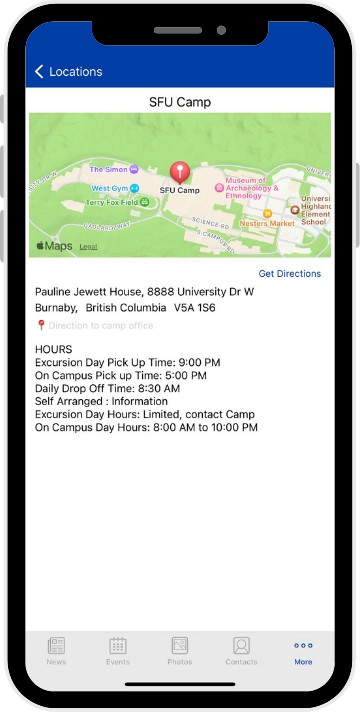
Camp Info
Get directions and arrival details at your fingertips
Face Recognition
Auto find your child's photos with smart face recognition
How it Works
1
Fill out Request Form
2
Check Your Email
3
Download the App
4
Login & Explore

Invite-Only Access
Only verified parents and authorized users can access the app. Your child’s data stays private and secure.

Get Started with the My Tamwood App
Step 1: Fill out the Request Form
Complete the App Registration Form. This helps our team verify
your details and link your account to your child’s camp location.
Step 2: Keep an eye on your inbox
Once we’ve verified your registration, we’ll create your secure profile. Look
out for your Welcome email letting you know your account is ready!
Step 3: Download My Tamwood App on your app store
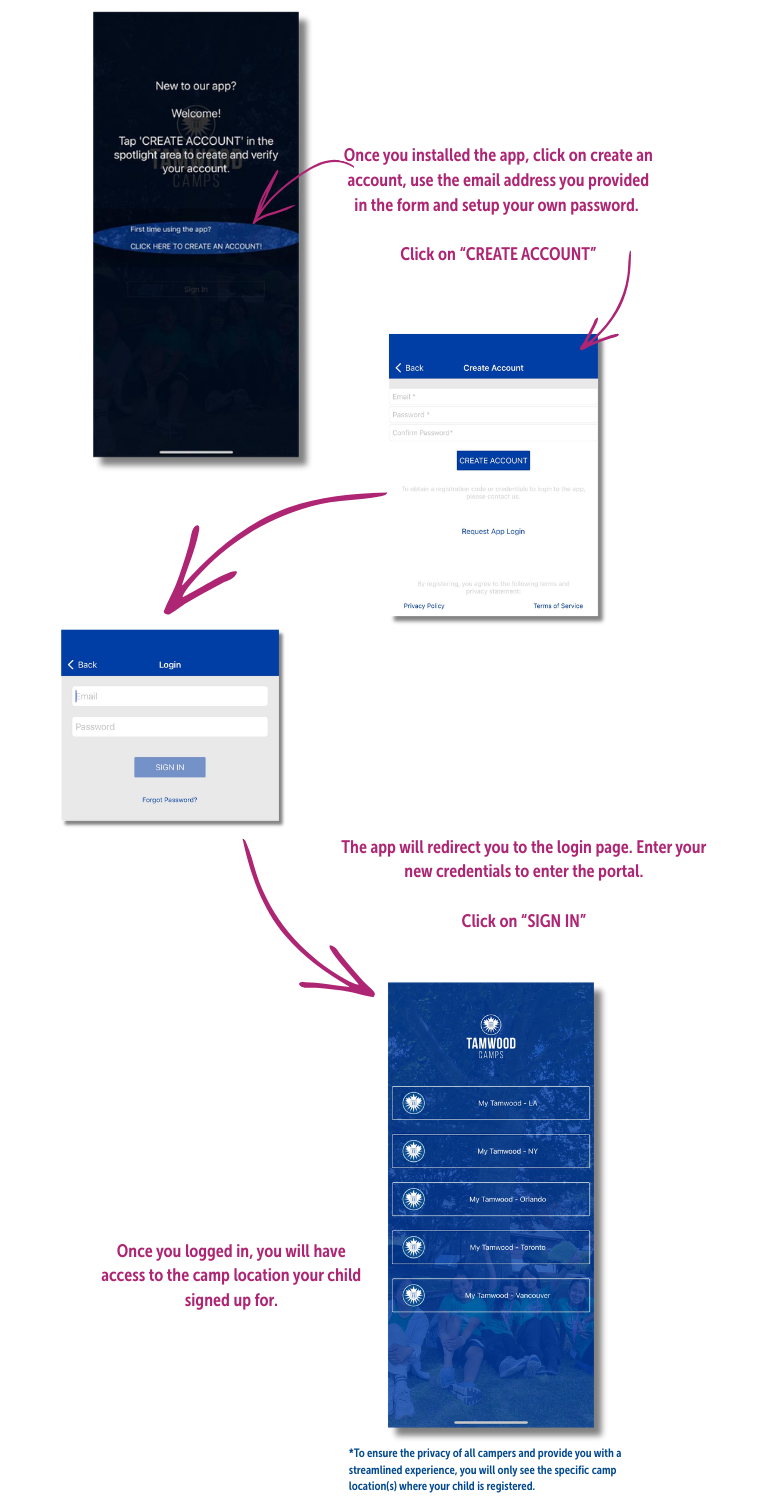
Step 4: Create an account, login and explore!
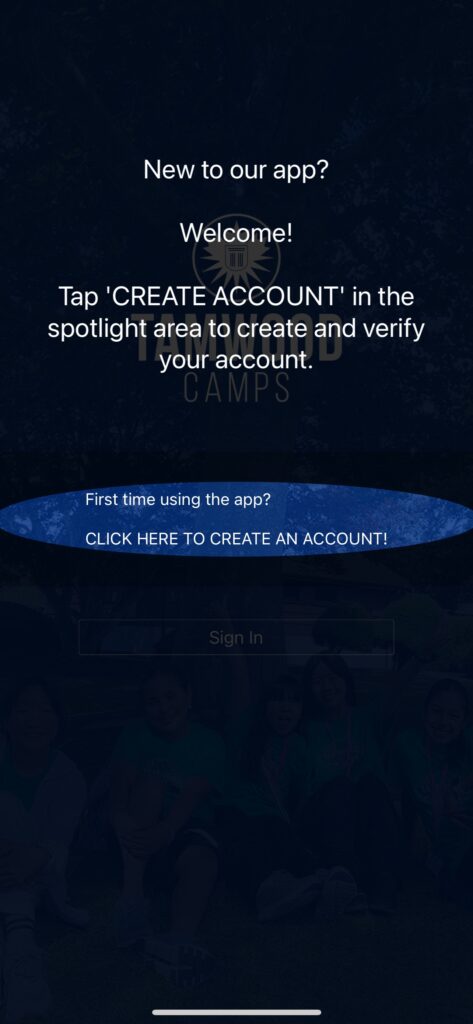
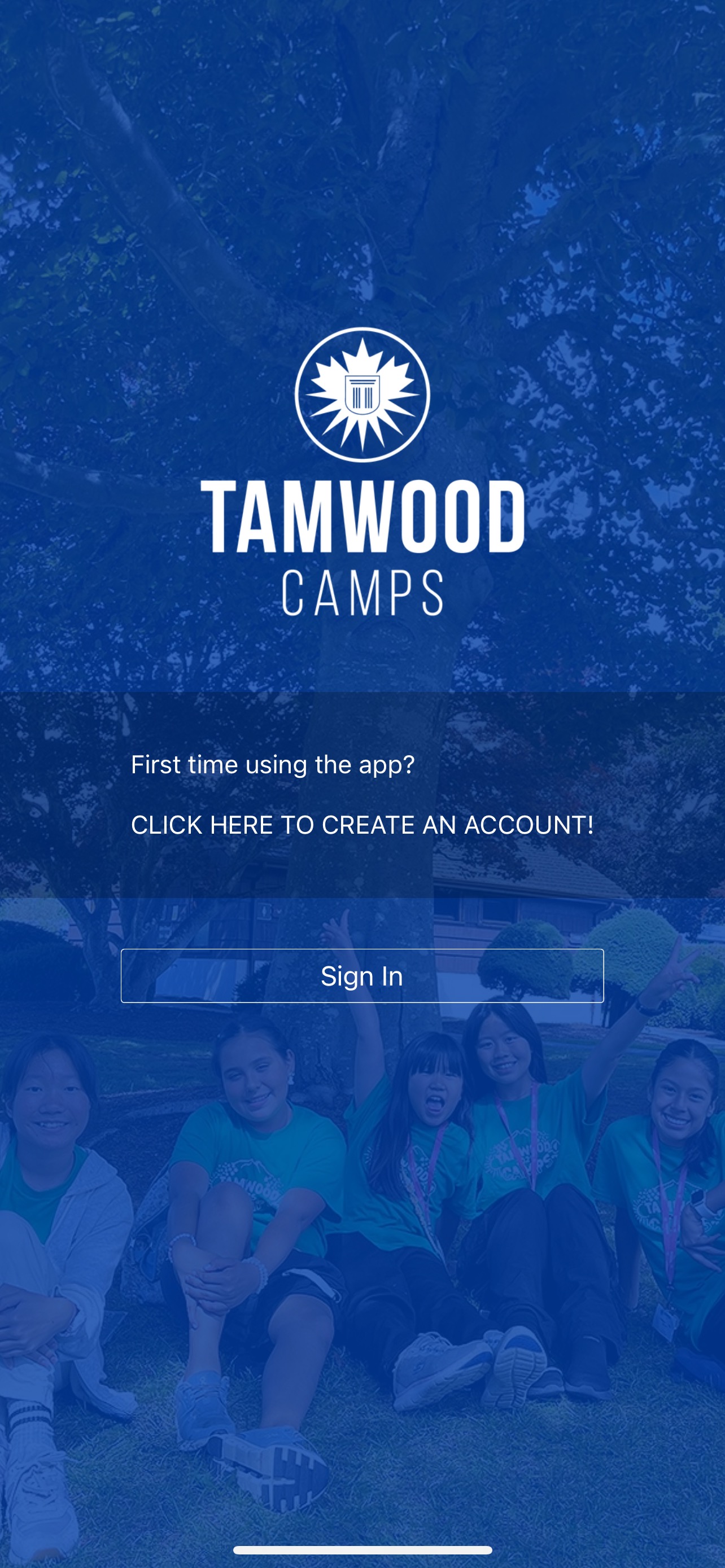
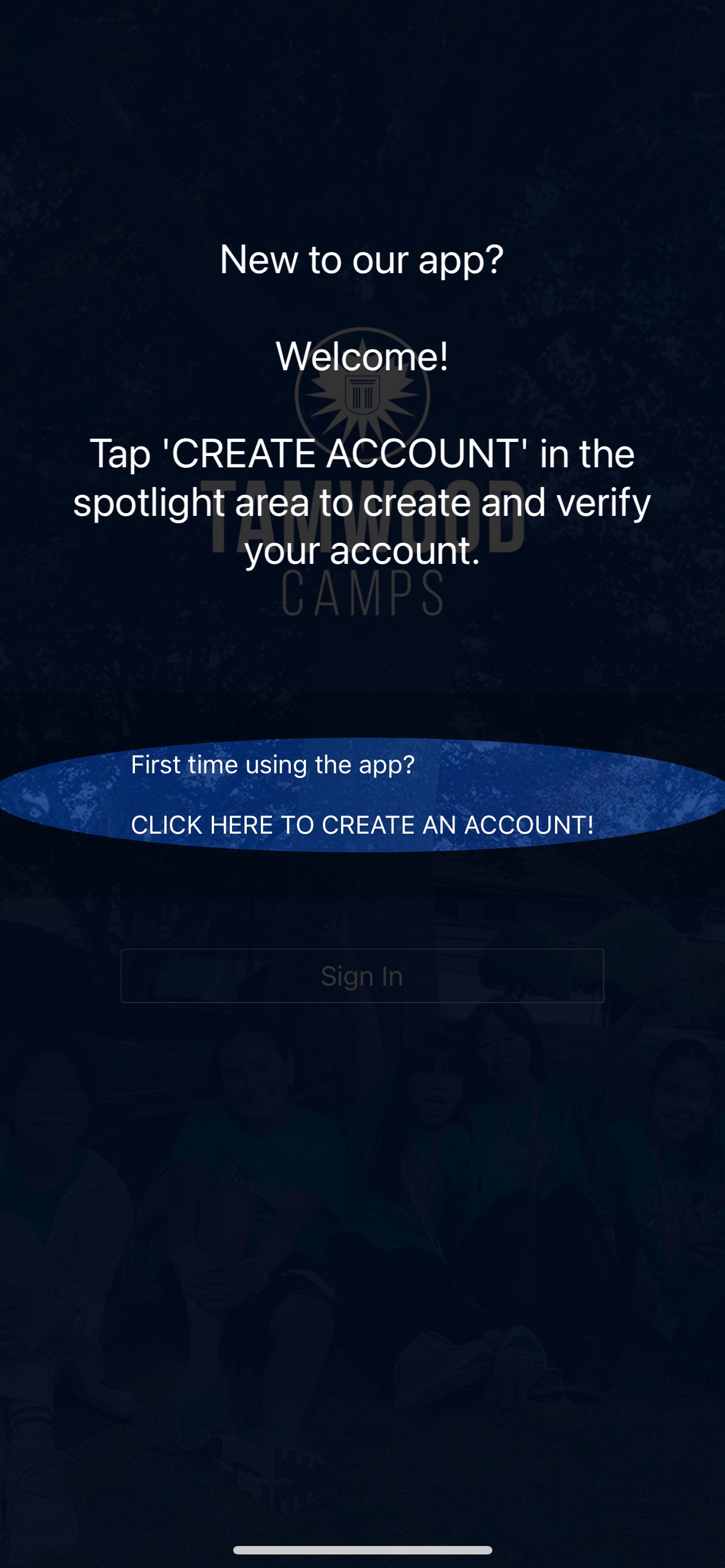
1
Once you installed the app,
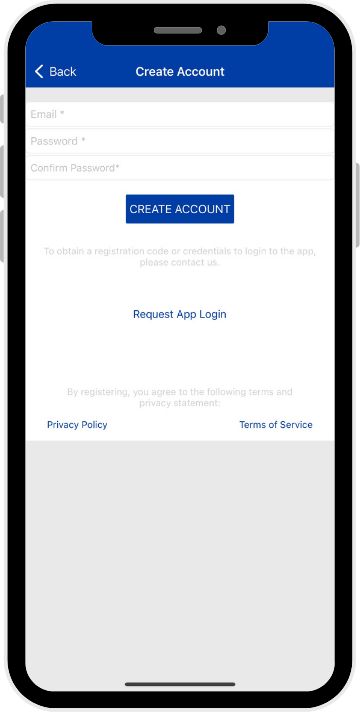
click on “CLICK HERE TO CREATE AN ACCOUNT”
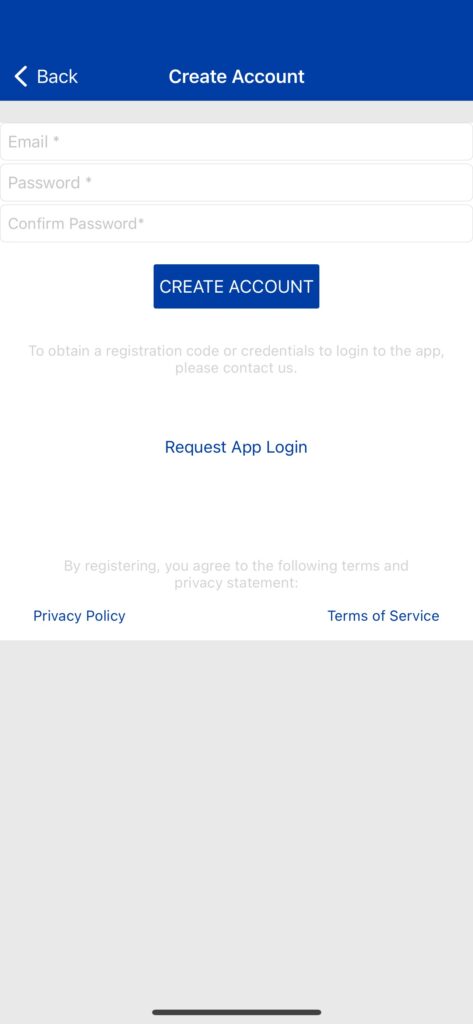
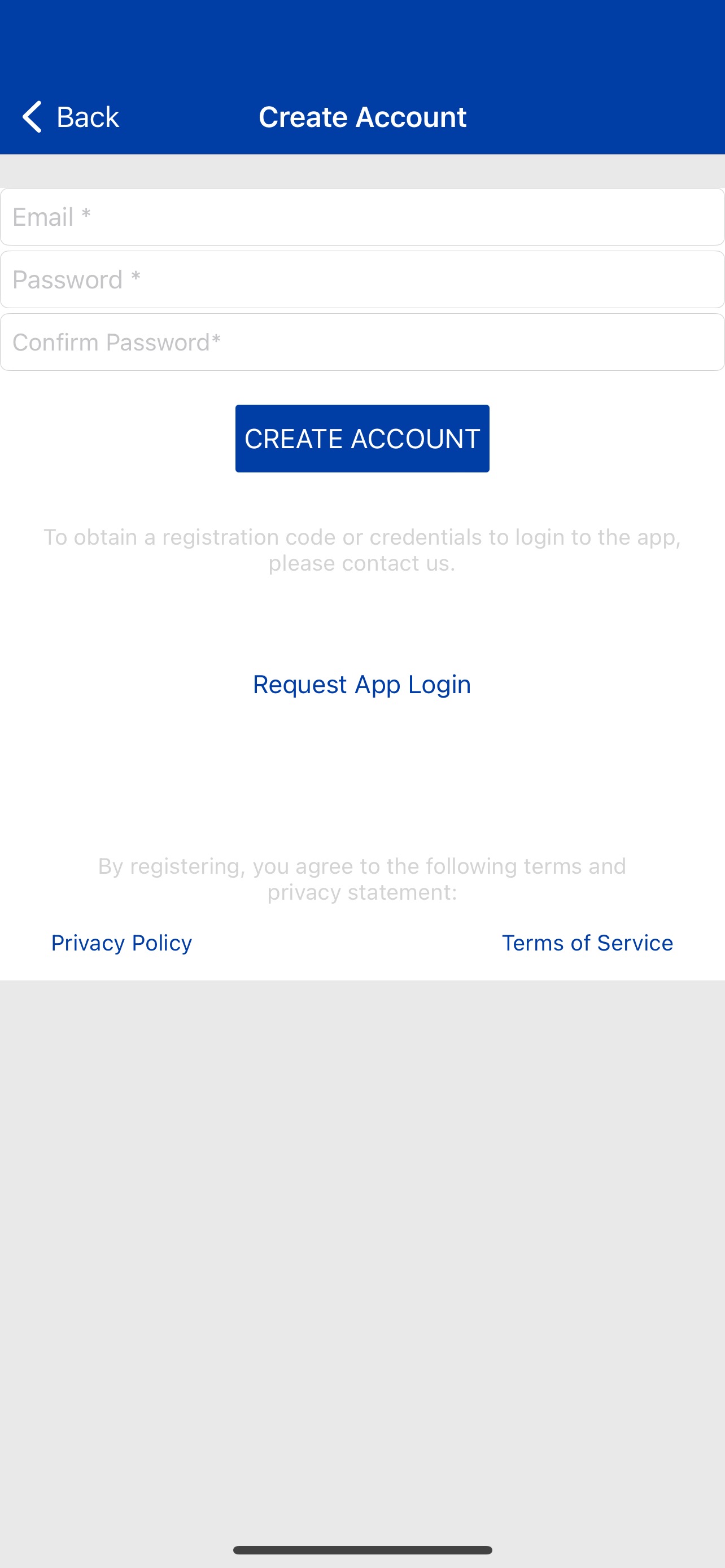
2
Use the email address you provided in the form and setup your own password.
click on “CREATE ACCOUNT”
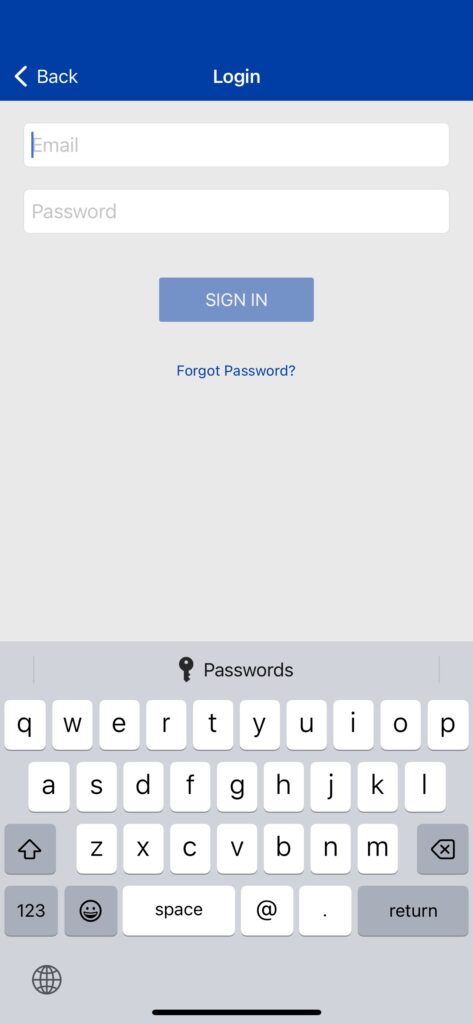
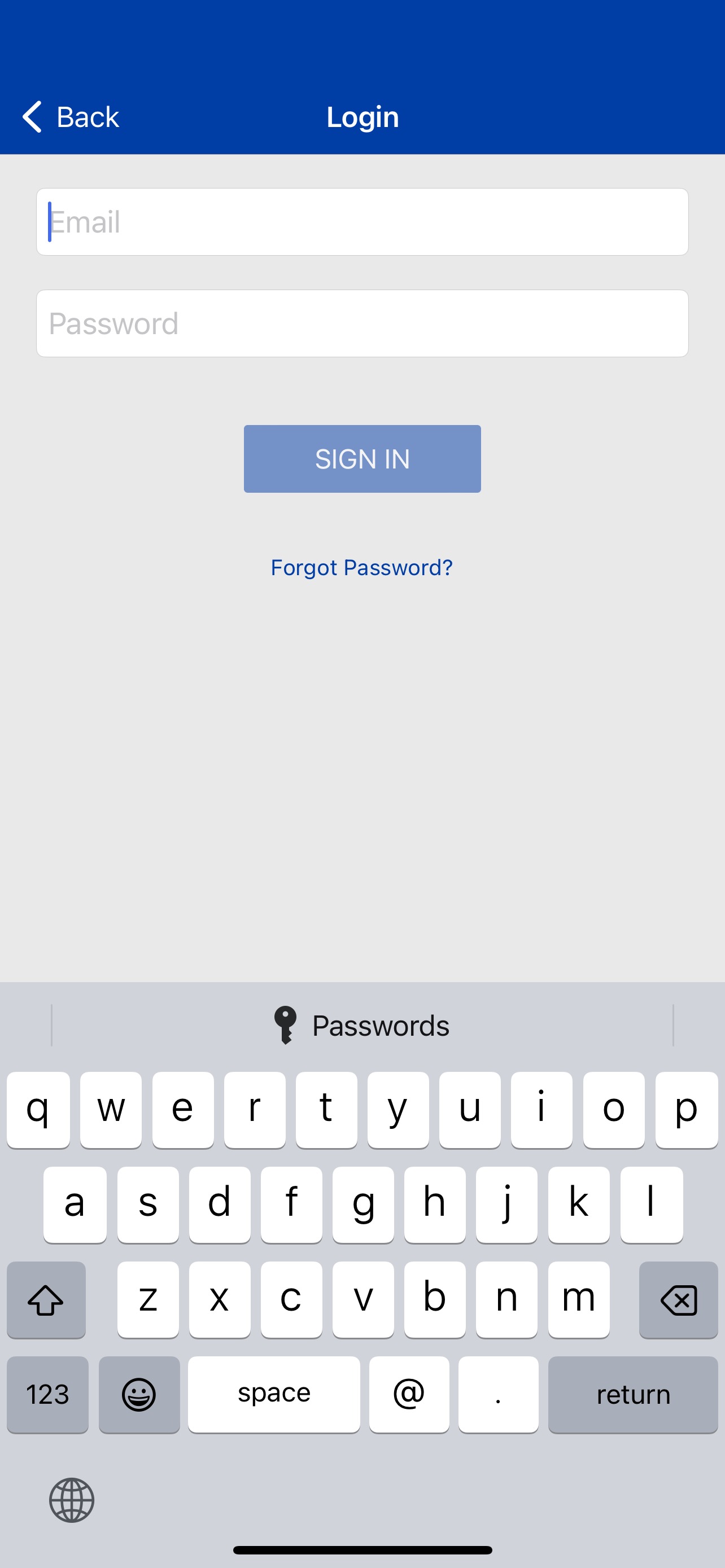
3
Enter your new credentials to enter the portal.
click on “SIGN IN”
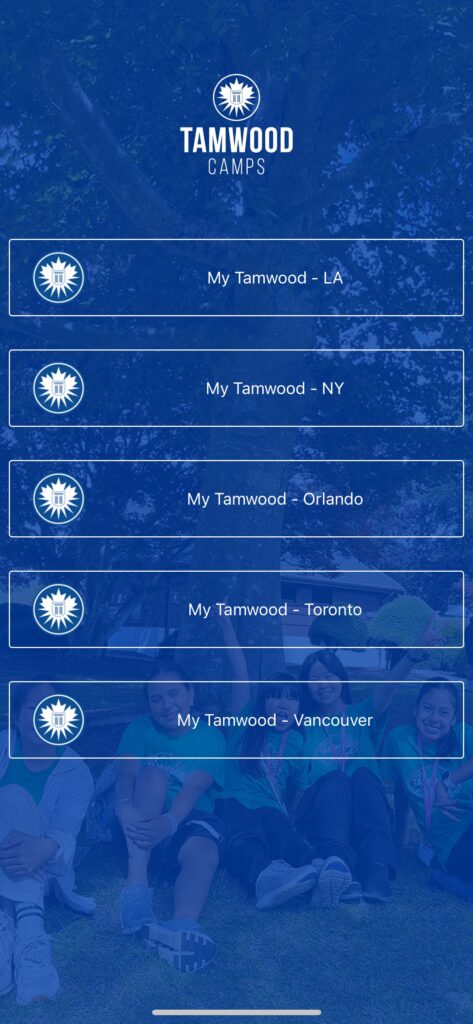
4
Once you logged in, you will have access to the camp location your child signed up for*.
*To ensure the privacy of all campers and provide you with a streamlined experience, you will only see the specific camp location(s) where your child is registered.
FAQs
🔒 Privacy & Account Setup
📸 Photos & Face Recognition
📅 Calendar & Locations
Get ready to join the fun and stay connected to every camp adventure!